
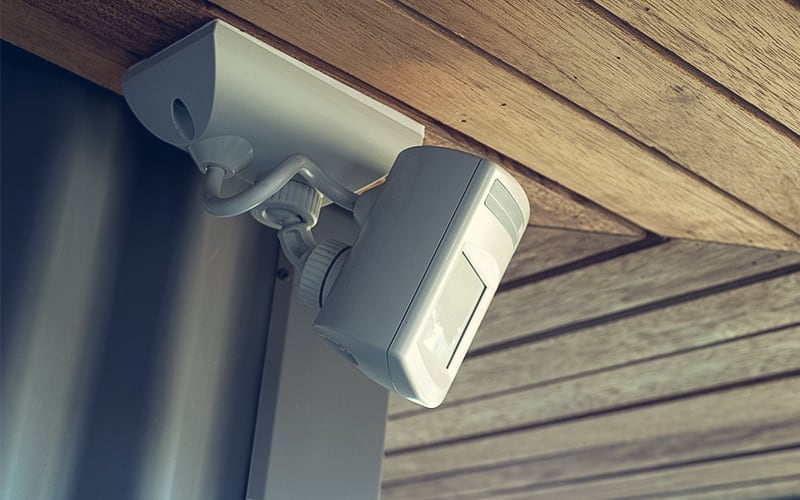
Infrared sensors are an essential part of many modern safety and security systems, providing a reliable means of detecting the presence of people and objects. To ensure the optimal performance of these systems, it is essential to follow best practices for installing and maintaining these sensors. By following these guidelines, users can ensure that their IR sensors are correctly installed and maintained, allowing maximum efficiency and safety.
Selecting the Right Type of Infrared Sensor
Selecting the correct type of infrared sensor for a particular application can be a daunting task, as there are a variety of infrared sensors available with different features and varying levels of sensitivity. Below is an overview of the critical considerations to make when selecting the most suitable one.
Environment
Different types of sensors may be better suited for different environments and may perform differently depending on the characteristics of the environment. For example, thermopile sensors may better detect objects at longer distances, whereas pyroelectric sensors may be better for detecting smaller objects at short distances.
Application
Different types of infrared sensors may be used for various applications, including thermopile, pyroelectric, and bolometer sensors. Thermopile sensors can be used for multiple applications such as temperature measurement, fire detection, and motion detection. Pyroelectric sensors can be used for applications such as motion and intruder detection. Bolometer sensors measure an object’s temperature change and can be used for temperature measurement and flame detection applications.
Sensitivity
The sensitivity of the infrared sensor determines how accurately it can detect objects within its range. The more sensitive the sensor, the more accurately it detects objects in its range. This is important for tasks that require precise measurements.
Setting up the Infrared Sensor
- Place the infrared sensor in the desired location. Ensure that the sensor is placed in an area where it will not be disturbed by other objects or people.
- Connect the sensor to a power source. This can be a battery, wall outlet, or another power source.
- Set the sensitivity of the sensor. This can be adjusted by turning a knob or pressing a button on the sensor.
- Connect the sensor to the desired device. Depending on the device used, this can be done with a wireless connection, a cable, or another connection.
- Test the sensor. Make sure the sensor is working correctly by running a test and checking the results.
- Calibrate the sensor. This is done by adjusting the sensor’s sensitivity so that it is sensitive enough to detect the desired objects but not too sharp that it picks up false positives.
Troubleshooting Common Issues with Infrared Sensors
This is a critical skill for anyone who works with these devices. Infrared sensors are used in various crucial applications and can be prone to malfunctioning or failing. Fortunately, there are various steps you can take to troubleshoot these issues and get your infrared sensors back up and running.
Power Supply
The power supply to the infrared sensor should be checked to ensure that it is providing an adequate amount of power and functioning properly.
Wiring
The wiring to the infrared sensor should be inspected to ensure that it is intact and properly connected. This includes checking that all connections are secure and that no breaks or frayed wires could affect the sensor’s accuracy.
Environment
The environment in which the infrared sensor operates should be checked to ensure that it is not too hot, cold, or humid. These environmental factors can affect the sensor’s accuracy and should be considered when troubleshooting.
Range
The range of the infrared sensor should be checked to ensure that it is within the specified range. This can be done by testing the sensor with an object at different distances and ensuring that it produces the expected results.
Angle
The angle of the infrared sensor should be checked to ensure it is pointing in the correct direction. This can be done by using a laser pointer to check that the beam of the infrared sensor is pointing in the correct direction.
Sensitivity
The sensitivity of the infrared sensor should also be checked to ensure that it is set to the correct level. This can be done by following the manufacturer’s instructions and adjusting the sensor’s sensitivity as needed.
Software
Finally, the software controlling the infrared sensor should be checked to ensure it is up-to-date and functioning correctly. Ensure that the latest version of the software is installed and that all settings are correct.

